2025, December - Some Minor Squarespace Workflow Improvements
I've been getting by fine, using the basic features on Squarespace. I wanted, originally, to only get away from Wix, because of the whole IDF connection, and so I never really took the time to figure out how to best use the software. I have a few gripes about how the website looks in general: The text is very small, and the images are very big, I would have preferred in-line LaTeX, I would like a PDF viewer sometimes, instead of having to split down the articles into Markdown blocks and images, and I'm not sure I actually like the font. Seeing as this is the case, I want to collate my issues with the look of the website and try to fix them.
The Theme
Squarespace works using themes that are defined... somewhere. I don't know why all these apps I'm using nowadays don't like running on firefox, but suffice it to say that editing the Squarespace site on my default browser is a stuttery, unresponsive mess, which means I'll have to go through chrome. On linux, the whole Google Chrome thing is probably best approximated by chromium. At least it provides a similarly horrifying user experience by prompting for a login upon start-up, which one can swiftly ignore, and hope that whoever is running its development isn't harvesting the device data regardless. At least, the squarespace admin tool runs in it though, so that's what I'll be using.
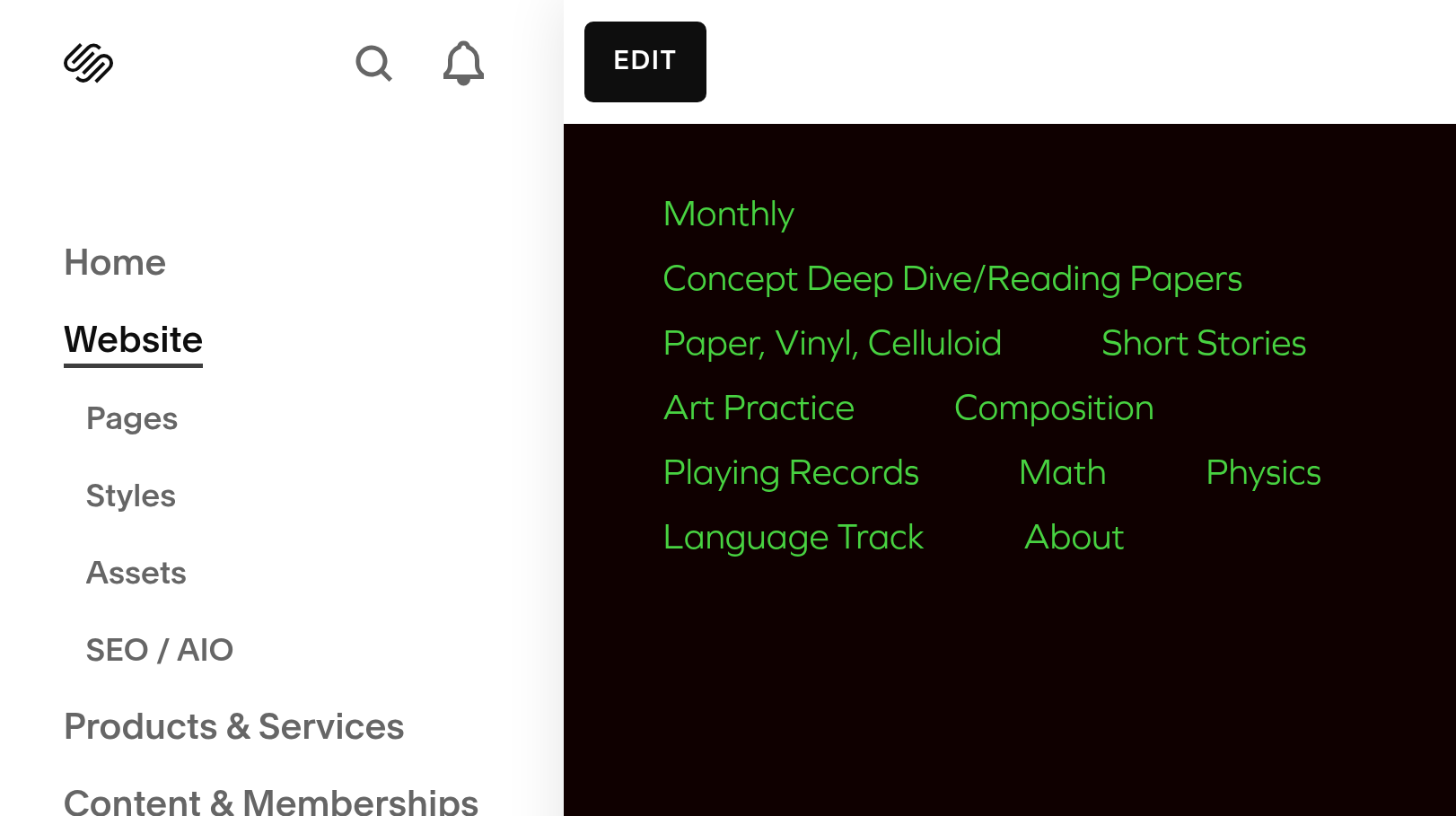
The website themes can be accessed via the styles. My primary issue really is with the text in the blog pages.
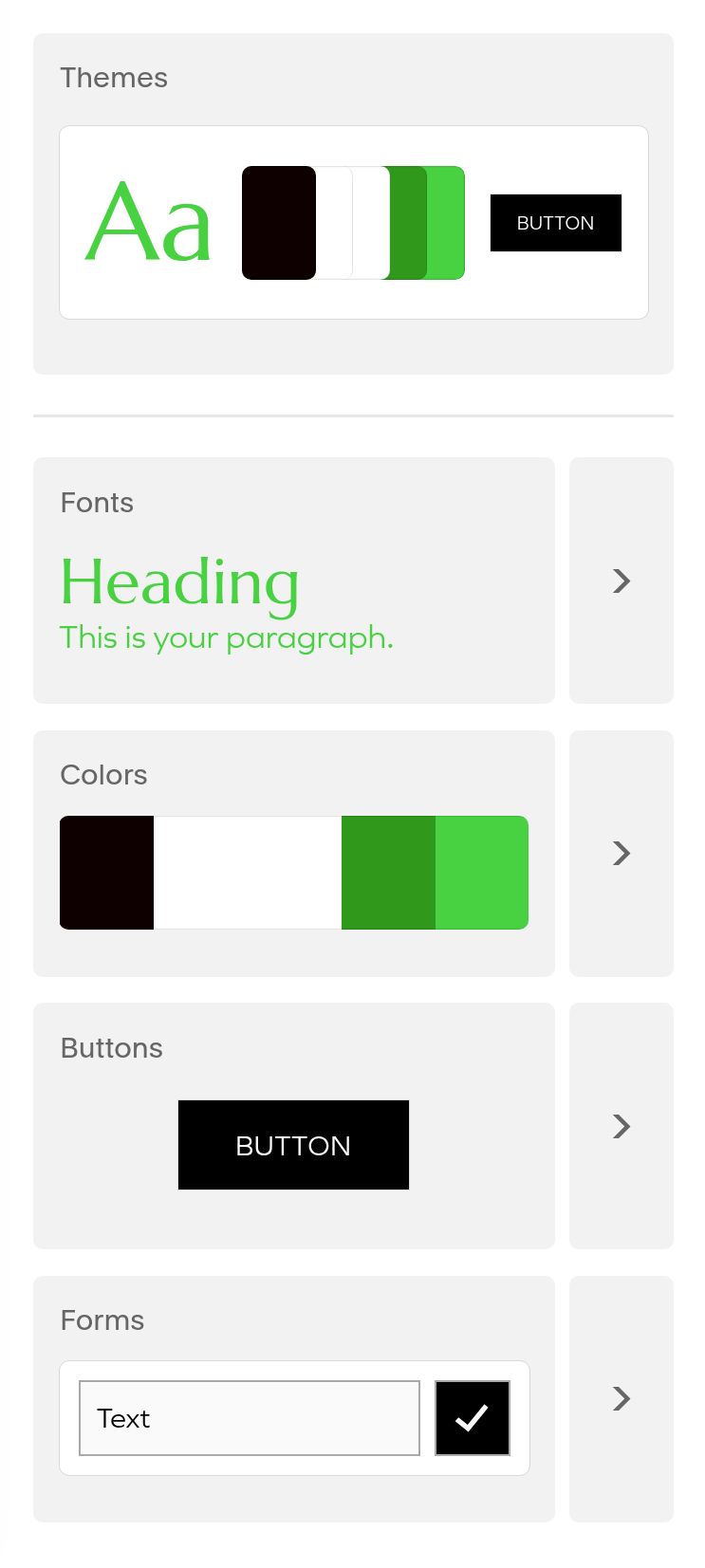
The titles and such are fine, but I'd like the font in my text blocks to be larger and a little more textured. The single line, untextured fonts make me think primarily of reading bash outputs, but that doesn't feel great for fiction, for example, so I'd like to pivot toward something Times New Roman-y. I ended up going with the Libre Baskerville option. The last decision was really up to how numbers and greek letters look in the font, seeing as they tend to pop up fairly often in my blog posts. It already improves the reading experience a bunch.
I do however have an issue with how squarespace does things here: Colour themes are nice and all, but I need to be able to edit styles in line easily. I don't love the idea of going into the code, but I'm discovering that I probably need to do so for everything I want the site to do.
The PDF Reader
So, apparently there are products that do exactly this, and cost money, or with some iframe sourcing and a googledrive account, this can be achieved just as easily. I'm not entirely happy with having to link something to a google account, but for now, it will have to do.
Technically this method is really just embedding an iframe. I would like to use server space, but I suppose that's just not something I'm allowed to do on squarespace servers.
LaTeX still not in Line
Given the amount of LaTeX I use in my write-ups, I should have had a better solution for writing the math formulas than having a tool make an .svg export that I embed as an image. There is a way to embed LaTeX "inline", by futsing with the footer. I'm sure that's better than chopping up the blocks to import a generated image like I'm proud of a green integral, but my wish would be to not have to do html scripting everytime I need the LaTeX integration. It just so happens that Squarespace makes it possible to create templates, so technically I could spin off one from the default Blog page I use for posts. Alternatively I could make an unlisted page without content and copy it as an "easy access template". I just don't like having the clutter of dead links lying around - at least that's what I thought. I'm running on the personal plan at the moment, which means that I can't even do the code injection - hooray. Instead I guess I'll revive some code I have flying around, that'll at least get me the latex images quicker, I hope. Let's go on a little code adventure.
I'm too lazy to make a transparent latex renderer myself, though arguably I should probably make a decent effort one of these days. Then again, why reinvent the wheel, when https://latex2image.joeraut.com/ exists? It functions really simply, by sending a POST request, and returning a link to the image result. A little aiohttp scripting later, and since I can check that my markdown is correct in the notes software I'm using, I just have to feed it a file and at least I don't have to alt-tab between two websites to populate my posts. I don't feel great about this solution, mainly because I'm basically web-scraping someone's website, so I won't share the code here, but just know that it works.
Menus
I like starting new things, and I've committed not to open another category until I got the ones I lost control over into line, but even now, the menu at the top of the site is terribly cluttered. I personally like having things sorted alphabetically, but I don't believe that that would garner any significant improvement overall. Instead, I decided to bite the bullet and introduce sub-menus. It's not perfect, because while my posts can be generally divided into "Art" and "Science" studies, I don't think these monthly posts, for example, fit either category very well. Perhaps I'll have to take one or two items out of these menus eventually, when I'm too unhappy with the descriptions, but for now it'll do. The implementation is fairly easy, too, so changing it later down the line won't hurt anymore than having introduced it in the first place - at least I think it won't.
Concluding
I can do a lot of basic stuff on website editors, but really, I think my days on these platforms are numbered. I have to start looking for ways to host the thing with my own front-end. I don't personally like writing ftontend code, but I'm beginning to run into really persistent problems. Further, any form of automation is made difficult without the access to some aspects of the code.